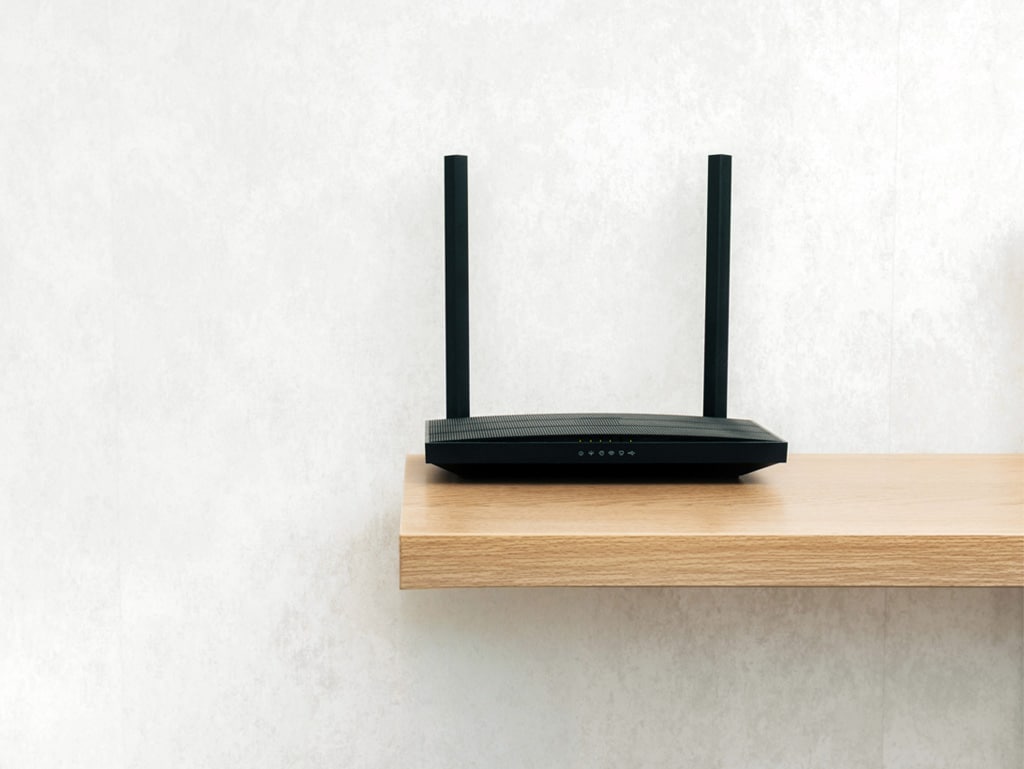
Most of us don’t think about our WiFi router until something goes wrong – the video call freezes mid-sentence, Netflix buffers at the worst possible moment, or a whole corner of the house simply has no signal. But by that point, you’ve already been putting up with a problem longer than you should have.
So how do you know when tinkering with the settings isn’t enough, and it’s genuinely time to upgrade your WiFi equipment? Here are the clearest signs to look out for.
Your Router Is More Than Five Years Old
WiFi technology has advanced rapidly. A router that was perfectly adequate in 2019 may simply not be built for the demands of a modern connected home or business. Older routers typically run on WiFi 5 (802.11ac) at best, while today’s devices are increasingly designed to take advantage of WiFi 6 and WiFi 7, standards that offer faster speeds, lower latency, and far better performance when multiple devices are connected simultaneously.
If you can’t remember when you got your router, or it came bundled with your broadband package years ago, it’s almost certainly holding you back.
You Have More Devices Than Ever
Think about how many devices in your home or office are connected to the internet right now: laptops, smartphones, tablets, smart TVs, streaming sticks, games consoles, smart speakers, video doorbells, thermostats, security cameras. The list goes on.
Older routers were just not designed to handle this kind of load. They struggle to manage many simultaneous connections without slowing down, dropping packets, or becoming generally unreliable. If you’ve noticed that performance seems to degrade the more devices you have active, your hardware may genuinely be the bottleneck.
You’re Getting Dead Zones and Poor Coverage
If there are rooms, floors, or outdoor areas of your property where the WiFi signal is weak or non-existent, a single consumer router placed in one spot is almost certainly the issue. This is particularly common in larger homes, properties with thick walls, converted loft rooms, basement flats, or any space where the building’s layout works against signal propagation.
In these situations, simply replacing like-for-like won’t solve the problem. What’s needed is a properly designed network, whether that’s a mesh system, additional access points, or a combination of a wireless and wired infrastructure, planned specifically for your space with a professional WiFi survey.
Your Internet Speed Doesn’t Match What You’re Paying For
If you’ve upgraded to a faster broadband package but your connected devices still feel sluggish, your router may not be able to handle the throughput your ISP is delivering to the property. Run a speed test connected directly to your router via a cable, then compare it to what you get on WiFi. A significant gap often points to ageing wireless hardware that can’t keep up.
You’re Relying on Extenders and Boosters That Aren’t Working
Many people try to solve coverage problems with plug-in range extenders or powerline adapters. These can sometimes offer a temporary fix, but they introduce their own problems – they typically halve available bandwidth, create separate network names that devices don’t seamlessly roam between, and add latency to the connection.
If you’ve already been through two or three extenders in an attempt to plug gaps in your coverage, it’s a strong signal that the underlying infrastructure needs a proper rethink, not another quick fix.
You’re Working from Home or Running a Business
The stakes are higher when your WiFi underpins your livelihood. Video conferencing, VPNs, cloud applications, and VoIP calls all demand consistent, low-latency connectivity. Consumer-grade equipment bought from a supermarket shelf was never designed with this in mind.
Professional-grade equipment from brands like Ubiquiti, Ruckus, and Cisco (the kind we install at WiFi Man) is built for reliability, security, and performance under sustained demand. For home workers and businesses alike, the cost of unreliable WiFi far outweighs the cost of getting it right.
You’ve Had a Significant Change at the Property
A loft conversion, extension, new garden office, renovation, or even a significant rearrangement of furniture can all change how WiFi behaves in a space. What worked perfectly before a building project may perform poorly afterwards. Similarly, if you’ve moved into a new property, the previous owners’ setup (or lack of one) may not suit your needs at all.
These moments of change are ideal triggers for a fresh look at your network.
What to Do Next
The honest answer is that many WiFi problems are hard to diagnose without the right tools and expertise. What looks like a router problem might actually be an interference issue, a broadband line fault, or a configuration problem and vice versa. Getting a professional WiFi survey done is the most reliable way to understand exactly what’s happening in your specific property, and what the right solution actually is.
At WiFi Man, we’ve been designing and installing wireless networks for homes and businesses across London and the M25 area since 2005. We carry out thorough surveys before recommending anything, and we’ll always tell you honestly whether an upgrade is warranted and what kind of upgrade will actually make a difference.
If you’re not sure whether your WiFi equipment is up to scratch, get in touch or book a WiFi survey and we’ll take a proper look. Or call us on 020 3369 0669 for more information.