London is sweltering right now – and your tech is feeling it too!
As temperatures across the capital push into the high 20s and beyond, most of us are focused on staying cool ourselves. But there’s another casualty of the summer heat that’s easy to overlook until things go wrong: your network equipment overheating.
Routers, switches, computers, laptops, and servers are all designed to run within a specific temperature range, and when that range is exceeded, things start to go wrong in ways that can be baffling, frustrating, and potentially very costly. Here’s what you need to know about protecting your technology through a heatwave.
Why Heat Is Such a Problem for Electronics
Every piece of computing or network equipment generates heat as it operates. Processors, hard drives, power supplies, and network components all run warm under normal conditions, and they rely on a combination of internal fans, heat sinks, and ventilation to keep temperatures within safe limits. In a typical London environment, that cooling system works perfectly well.
But throw in an ambient temperature of 28°C or more with no air conditioning, which describes the average London home or small office during a heatwave, and things change quickly. The equipment has to work harder to shed heat into air that’s already warm. Cooling fans spin faster and struggle. Internal temperatures rise. And once a component gets too hot, you’ll start to see behaviour that can seem completely random and inexplicable.
Signs Your Equipment Is Overheating
Heat-related problems are often misdiagnosed because the symptoms can look like software faults, hardware failures, or even malware. Here’s what to watch for:
Computers and laptops may start running noticeably slower, this is thermal throttling, where the processor deliberately reduces its speed to generate less heat. You might also see unexpected crashes, sudden restarts, or the dreaded blue screen of death (on Windows) or kernel panics (on a Mac). Applications may freeze, files may fail to save, or the machine may simply shut down without warning to protect itself.
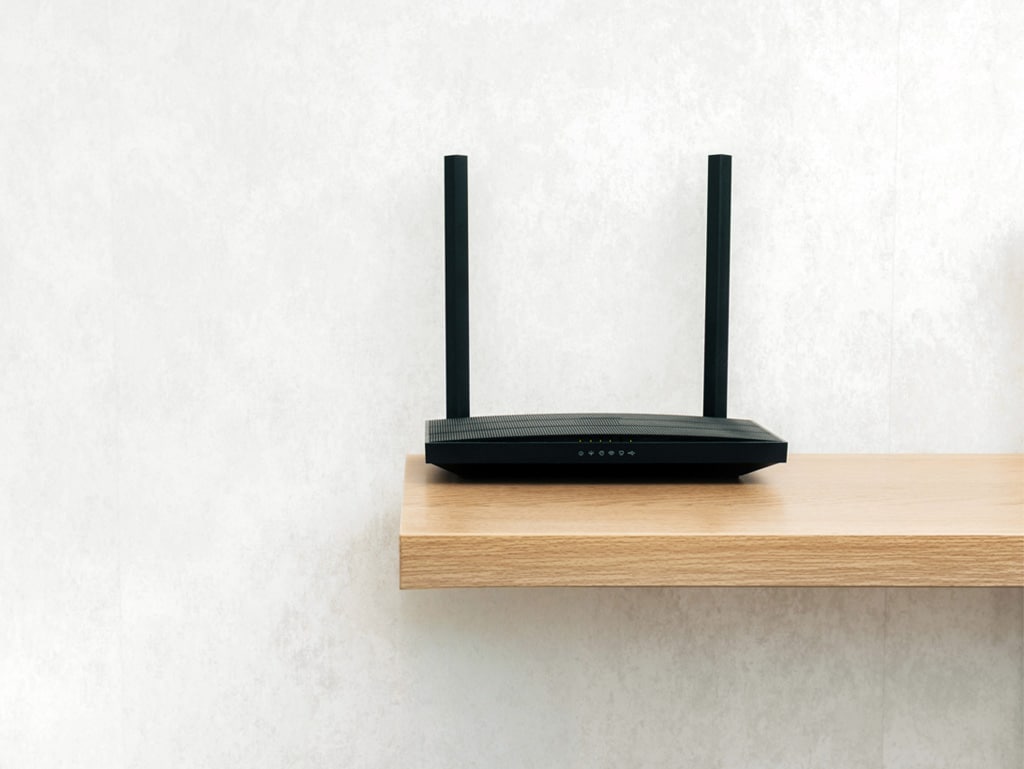
Routers and network switches tend to misbehave in subtler ways. You might notice your WiFi dropping out intermittently, speeds that seem far slower than usual, or devices that keep disconnecting and reconnecting. In more severe cases, the router may reboot itself repeatedly, or simply stop responding entirely, leaving your whole home or office without internet access.
Servers are particularly vulnerable. Even a small business server running in a back room or comms cupboard can hit dangerous temperatures very quickly in hot weather if ventilation is inadequate. Overheating servers can corrupt data, trigger hard drive failures, and cause the kind of downtime that costs real money.
Steps You Can Take Right Now
The good news is that there’s quite a lot you can do, and many of these steps cost nothing at all.
1. Improve Airflow Around Your Equipment
This is the most immediate thing you can do. Walk around and look at where your router, switches, and computers are sitting. Is the router tucked inside a cupboard? Is the computer tower pressed against a wall with no gap for air to circulate? Is your laptop sitting on a sofa cushion or duvet that’s blocking the vents underneath?
Give every piece of equipment room to breathe. Move routers out of enclosed spaces. Ensure there’s at least 10–15cm of clear space around desktop machines and network equipment on all sides. Lift laptops off soft surfaces. A book, a lap desk, or a proper laptop stand makes a real difference.
2. Keep Equipment Out of Direct Sunlight
This one sounds obvious but is easily overlooked. A window seat that’s perfect for working in winter turns into an oven in August. South- or west-facing rooms get especially hot in the afternoons. Move your equipment away from windows, or at a minimum, use blinds or curtains to block direct sunlight during the hottest part of the day.
3. Clean Out the Dust
Dust is the enemy of cooling. It clogs vents, coats fans, and acts as an insulating layer over components that need to shed heat. A can of compressed air (available cheaply from any computer or stationery shop) can make a big difference. Use it to blow dust out of the vents on laptops, desktop computers, and routers – ideally outdoors, because the dust goes everywhere. If a desktop PC hasn’t been cleaned inside for a year or more, it’s probably overdue.
4. Reposition Your Network Equipment
Routers and switches should be placed on hard, flat surfaces in open, ventilated locations, not inside drawers, TV cabinets, or under-stairs cupboards. Heat rises, so avoid stacking equipment on top of each other. If you have a network cabinet or rack, make sure there’s space between units and that the cabinet itself has adequate ventilation.
5. Use a Fan Strategically
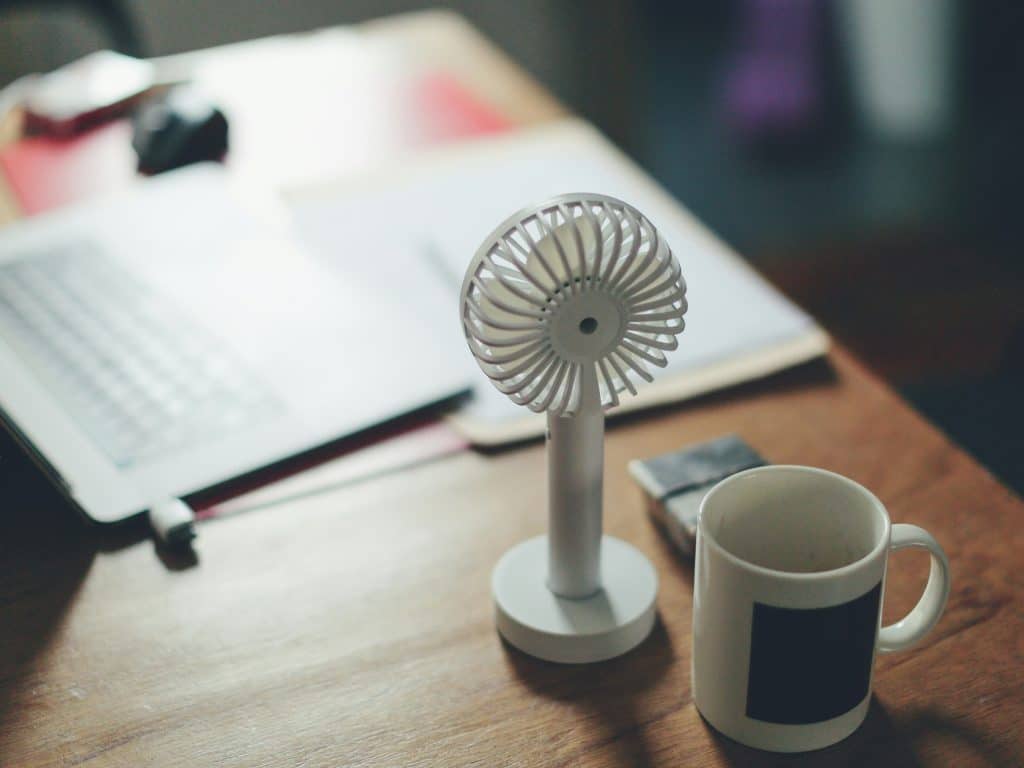
You don’t need air conditioning to make a difference. A simple desk fan aimed at your equipment can significantly reduce temperatures. For desktop computers, positioning a fan so it draws cooler air towards the machine’s intake vents (usually at the front or bottom) is more effective than simply blowing air at it generally.
For laptops, a USB-powered cooling pad (a flat stand with built-in fans) is a worthwhile investment if you’re working long hours during hot weather. They’re inexpensive and genuinely effective.
6. Reduce the Workload
The harder your equipment works, the more heat it generates. During a heatwave, it’s worth keeping that in mind. Close applications and browser tabs you’re not actively using. Avoid running large file transfers, video encoding, or heavy backups during the hottest part of the day. On laptops, keeping battery-intensive tasks to a minimum also helps – heavy charging cycles generate heat in their own right.
7. Schedule Intensive Tasks for Cooler Times
If you have jobs that put a heavy load on your equipment, large backups, software updates, video rendering, try to schedule them for early morning or late evening when ambient temperatures are lower and the equipment has had a chance to cool down overnight.
8. Monitor Your Temperatures
There are free tools that let you see how hot your components are running in real time. On Windows, Core Temp is a popular option (use the Standalone/Portable version). On a Mac, a quick look in the Activity Monitor can give you a sense of how hard the machine is working. Most routers don’t have built-in temperature displays, but if yours is hot to the touch, that’s already a warning sign.
9. Consider Air Conditioning for Server Rooms and Comms Cupboards
For business users with on-site servers, this isn’t optional, it’s essential. If your server room, IT cupboard, or comms area doesn’t have dedicated cooling, a heatwave can push temperatures to genuinely dangerous levels within hours. Even a portable air conditioning unit can make the difference between a functioning server and a costly failure. If you’re not sure how hot your server environment is getting, it’s worth investing in a simple digital thermometer to monitor it.
When to Be More Concerned
If your equipment has already been running hot for several days, or if you’ve experienced crashes, unexpected shutdowns, or data errors, don’t assume things will resolve themselves when the weather cools. Heat damage can be cumulative. A hard drive that has been running at elevated temperatures for an extended period is at significantly higher risk of failure.
If you’re seeing repeated issues, especially on equipment that handles important files or business data, it’s worth having a professional take a look. This is especially true for servers and network infrastructure, where an overlooked problem can have serious consequences.
A Word on Data Backup
A heatwave is a timely reminder to check your backups. If a hard drive or server were to fail today, would your data be safe? Cloud backup services and external drives are both good options, and in most cases a proper backup strategy is simpler and less expensive to set up than people expect. Don’t wait for a hardware failure to find out your backup wasn’t working.
We’re Here to Help
At PC Man, we’ve been keeping London’s home users and businesses up and running since 2005. Whether you need advice on protecting your network equipment, help setting up a cooling solution for your server room, or support following a heat-related hardware issue, we’re here to help onsite across London or remotely at a time that works for you.
Got a question, or worried your equipment has been running too hot? Contact PC Man or call us on 020 3369 0669. We’re London’s Computer Superheroes – whatever the weather!