What Is a VPN? Your Key to Online Security and Privacy
PC Man’s Guide to VPNs and Their Benefits
We all recognise the advantages of using the internet, but it’s not without its risks. Whether you are worried about prying eyes on public WiFi, trying to work remotely, or want to access geo-restricted content, a Virtual Private Network (VPN) can be a powerful tool. But what exactly is a VPN, and how can it benefit you?
What is a VPN?
Imagine you’re going to send a letter through the post. Without a VPN, it’s like sending the letter without an envelope – anyone can read its contents. But with a VPN, it’s like sealing the letter in a secure envelope and sending it through a series of secret tunnels (actually encrypted connections) before it reaches its destination. A VPN establishes a secure, encrypted connection between your device and a remote server, making your data unreadable to anyone snooping along the way. The VPN server then acts as your intermediary, sending your data onward and receiving responses while hiding your true IP address (a unique identifier for your device on the internet) and location.
Benefits of Using a VPN
- Enhanced privacy: With your IP address masked, websites and online trackers can’t see your location or browsing habits. This makes it harder for advertisers to target you and helps you maintain more control over your online footprint.
- Secure remote access: Company staff and contractors can securely access company data at any time of day and from any geographical location, allowing greater flexibility for remote working. For example, a salesperson on a business trip can access their company’s CRM system to update client information. If travelling to countries where certain web content is filtered, a VPN connection is the only viable workaround.
- Protection on public WiFi: Public WiFi networks found in cafes, airports, and hotels are notoriously risky. If you’re not careful, hackers can easily steal your data. But a VPN encrypts your connection, rendering it virtually impossible for cybercriminals to intercept and gain access to your sensitive personal information, such as passwords, financial details, and emails. This keeps your information safe, even on unsecured networks.
- Geo-hopping: Have you ever wanted to watch a show only available in another country? VPNs can make it seem like you’re browsing from a different location, allowing you to bypass regional restrictions and access geo-blocked content.
- End ISP throttling: Internet Service Providers (ISPs) sometimes slow down your connection by throttling bandwidth. This means that they intentionally reduce your internet speed, usually when you’re using a lot of data or accessing certain types of content. Using a VPN conceals your online activity from your ISP, which can help you avoid this throttling and enjoy a smoother internet experience.
- Price-savvy shopping: Did you know that some websites display different prices based on your location? By using a VPN, you can appear to browse from a different region and potentially find better deals online.
If you’re considering using a VPN, it’s important to do your research. While free VPNs can be tempting, they often come with limitations and potential risks. They may have slower speeds, fewer server locations, and less robust security measures. Some free VPNs also collect and sell on your data – thereby defeating the purpose of using a VPN for privacy. Look for a VPN with robust encryption protocols, a reliable server network, and a clear no-logs policy to ensure your privacy is protected.
A VPN is an indispensable tool that can help you navigate the internet with confidence and peace of mind by enabling you to browse the web more securely and privately. So, the next time you connect to the internet, consider protecting your online privacy with a reliable VPN. If you would like any advice on setting up your VPN or which provider to use, don’t hesitate to give us a call on 020 3369 0669 or email info@ilovepcman.com.
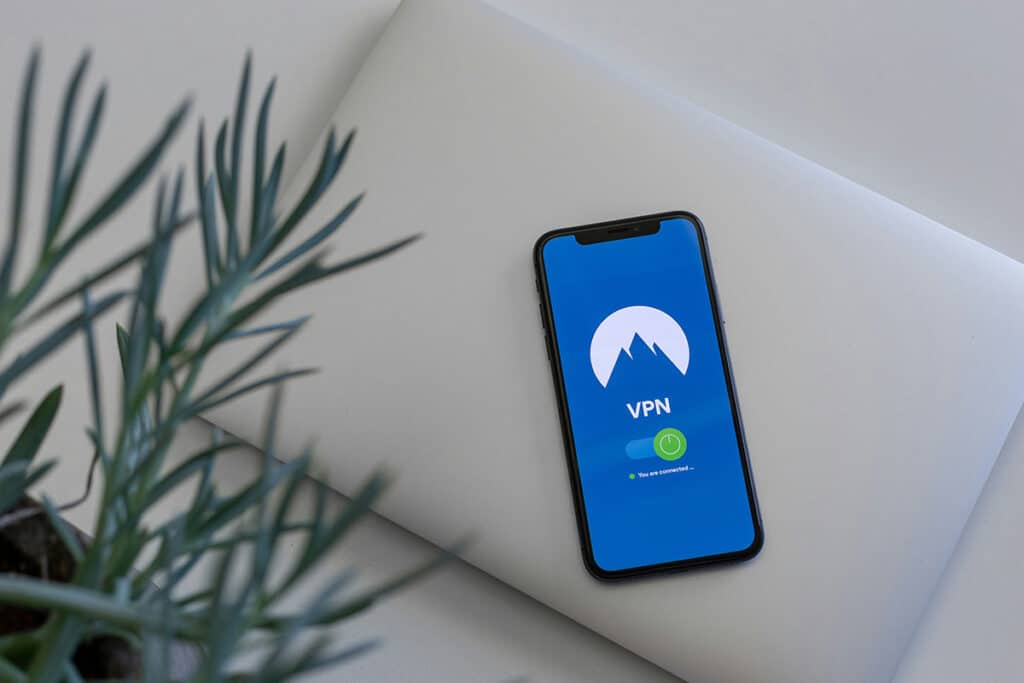
Photo by Petter Lagson on Unsplash


SIGN UP TO RECEIVE POSTS STRAIGHT TO YOUR INBOX!