Creating a Strong Password
Password security isn’t exactly the most exciting topic, but it is one of the most important. In a world where data breaches are common, and hackers are constantly getting smarter, a strong password is your first and best line of defence. And let’s face it, most people are terrible at passwords!
If your current go-to is something like “123456” or “yourpet’sname2020″… it’s time for an upgrade, you’ve just made a hacker’s day way too easy.
Here’s how to create a password that’s both secure and memorable without needing a computer science degree or a photographic memory.
Step 1: Use a Phrase, Not a Word
❌ What is your pet’s name? No.
❌ Your birthday? Still no.
❌ Your football team plus the year you were born? Just stop.
Avoid anything that can be easily guessed or discovered on social media. One of the easiest ways to boost your password strength is to think in phrases rather than single words. Try turning a sentence you’ll remember into a password by combining the first letters, numbers, and symbols.
✅ Example: “My first car was a red Ford in 2005!“ becomes: M1cw@rFi2005!
Looks random. Easy for you to remember. Hard for a hacker to guess.
Step 2: Mix Uppercase, Lowercase, Numbers and Symbols
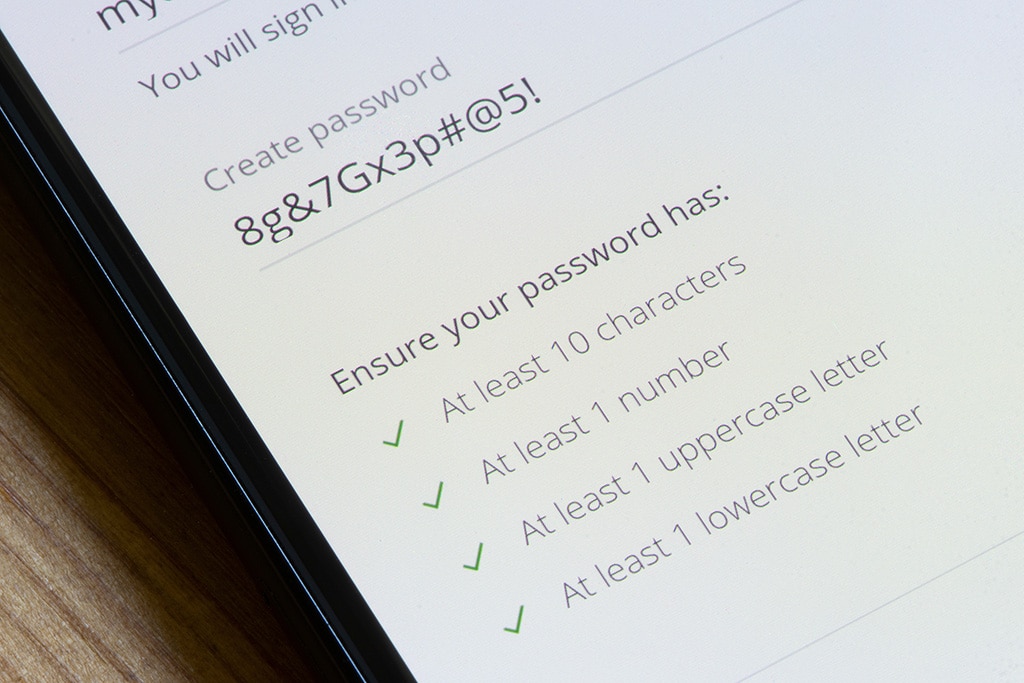
The more variety in your password, the harder it is to crack. A strong password should include:
- Capital and lowercase letters
- At least one number
- Special characters like @, #, !, or %a
❌ Weak: password123
✅ Strong: P@ssW0rD!92
Basically, if it looks like a keyboard sneezed, you’re on the right track.
Step 3: Longer = Stronger
The longer your password, the stronger it is. Aim for at least 12 characters, and more if possible. Each extra character makes your password exponentially harder to crack, even with powerful password-cracking tools.
✅ Better: Gr8CoffeeMornings@6am
🚫 Worse: coffee1
Step 4: Don’t Reuse Passwords – Ever!
Yes, it’s annoying to have a different password for every account, but using the same password for multiple accounts is like having one key for your house, car, and office. If someone gets hold of it, they suddenly have access to everything. That Netflix password? If it gets exposed in a breach, hackers will try it on everything from your email to your online bank account. Stick to unique passwords for each account – especially important ones like your email, online banking, and cloud storage.
To make this manageable, use a password generator such as NordPass. They can generate strong, unique passwords and store them securely so you don’t have to remember them all yourself.
Step 5: Use Trusted Tools to Test Your Passwords
Want to check if your password has been compromised before? Use a reputable service like haveibeenpwned.com to check if your email address or password has appeared in known data breaches.
Pro tip: Avoid using random online “password strength checkers” unless you’re certain they’re secure and trustworthy. If it looks like it was built in 2003, run.
PC Man’s Top Password Tips
✅ Use long and unpredictable phrases
✅ Mix letters, numbers & symbols
✅ Keep each password unique for every site
✅ Don’t use personal info
✅ Use a password manager
✅ Don’t tell your mates (yes, even your bestie)
✅ Enable two-factor authentication where available
Your Password Is the Key to Everything
Think of your password as the lock to your digital front door. You wouldn’t leave your front door wide open with a neon sign saying “Come on in!”, but that’s what a weak password does. Take a few minutes today to update your most important accounts. It’s a small effort that can prevent serious headaches down the line.
If you’re not sure where to start or need help setting up a password manager or checking your account security, email info@ilovepcman.com or call us on 020 3369 0669.